Part 1
Potentiometer:
For the potentiometer, I started by testing the range of values I was getting, and it turned out to be 0-712. I mapped these values so they were 0-255 for the analog output, then hooked up the potentiometer and a LED to change it’s brightness.

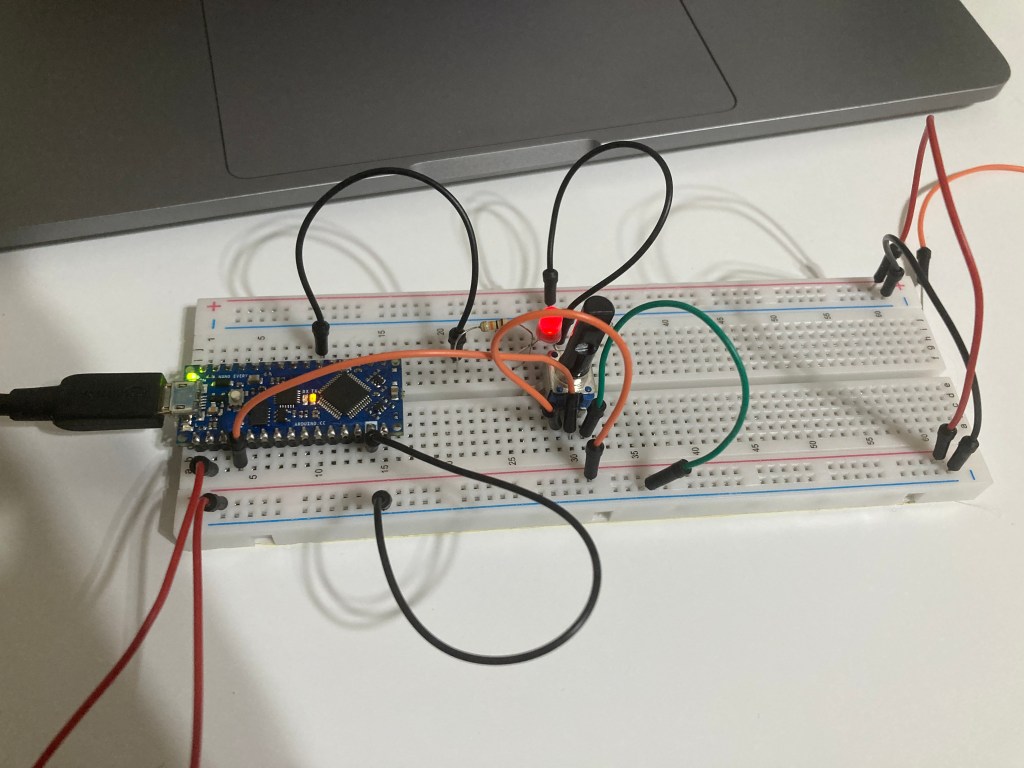
void setup() {
  Serial.begin(9600);

}

void loop() {
  int potState = analogRead(A0);
  potState = map(potState, 0, 712, 0, 255);
  Serial.print("Potentiometer: ");
  Serial.println(potState);
  analogWrite(3, potState);

}
FSR:
For the force sensor, I also started by testing the values, and it was 75-206. I mapped the values so it was 0-255. I hooked up the FSR with a resistor to ground and a LED
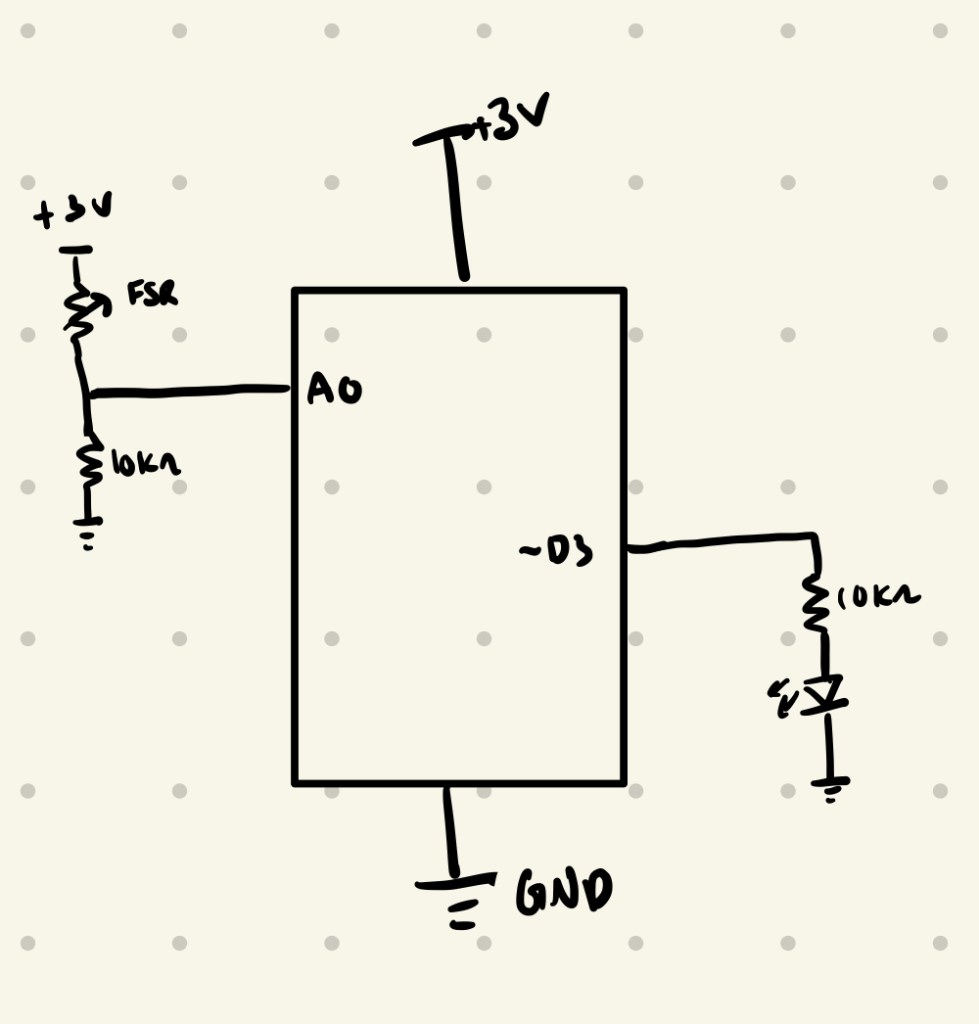

void setup() {
  // put your setup code here, to run once:
   Serial.begin(9600);
}

void loop() {
  // put your main code here, to run repeatedly:
  int flexState = analogRead(A0);
  flexState = map(flexState, 75, 206, 0, 255);
  Serial.print("Flex Sensor: ");
  Serial.println(flexState);
  analogWrite(3, flexState);
}
Part 2
Sensor box:
My original idea for the sensor box was to make a mushroom that changes colors when you tap the top and makes a sound when you bend the mushroom. These ideas did not work out, as I had trouble with the capacitance sensor getting a good reading.
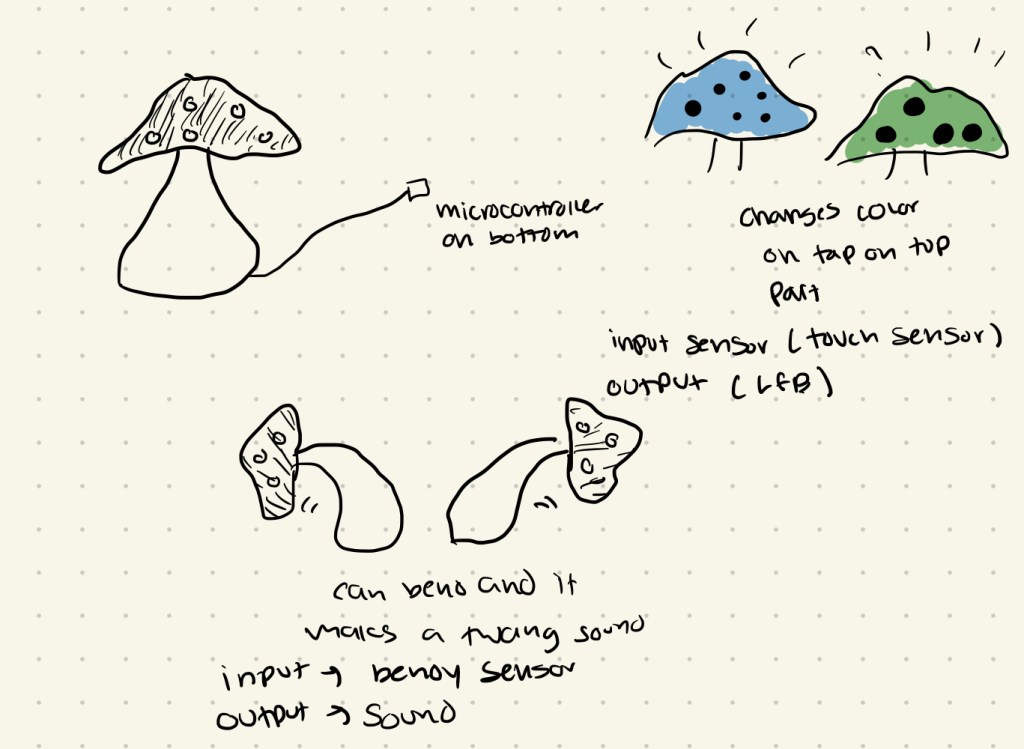
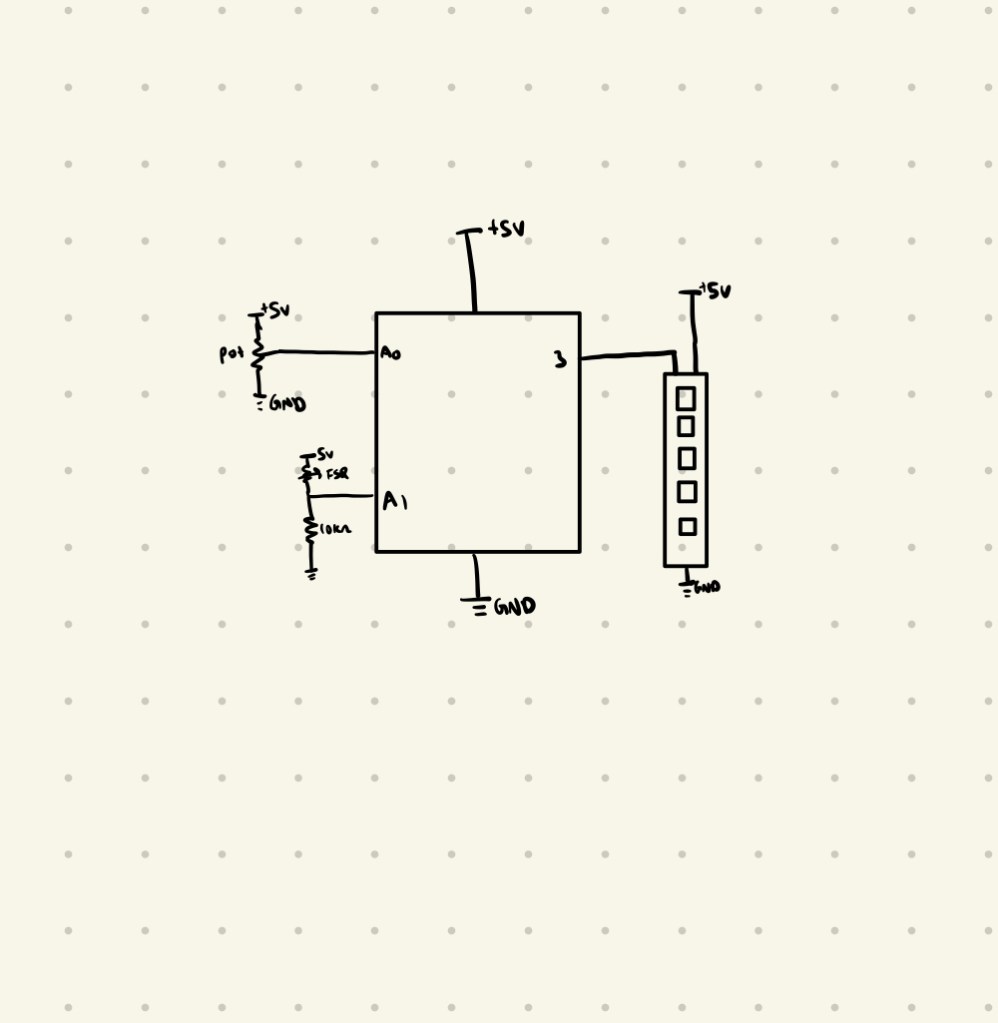
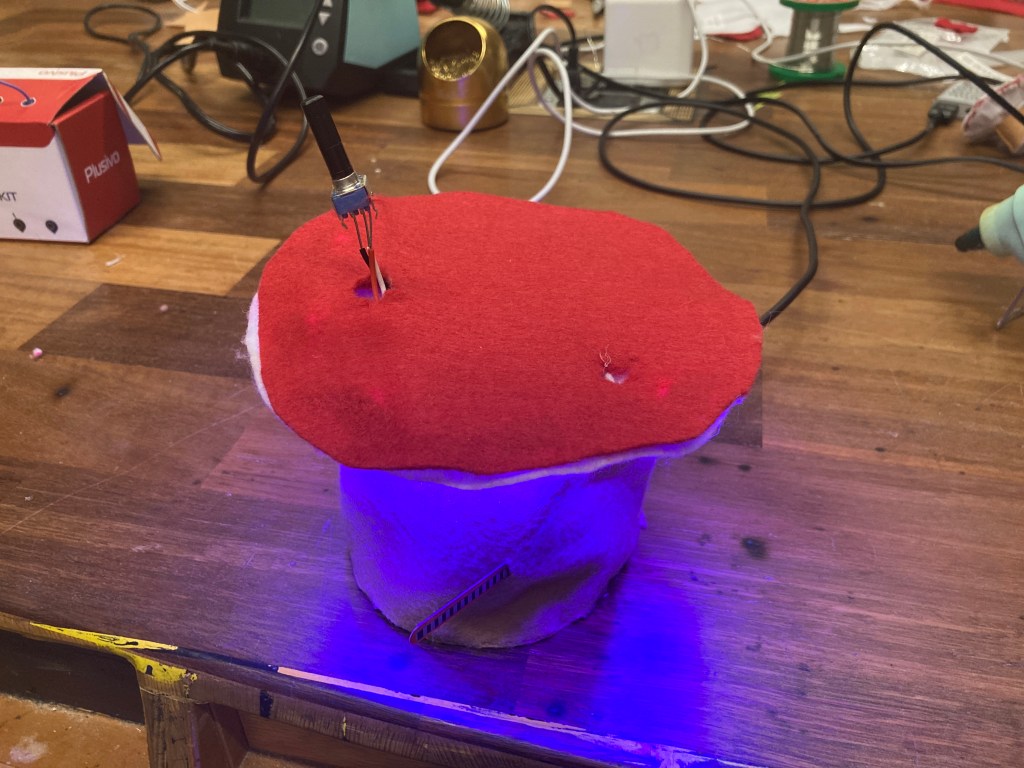
I changed my design to a mushroom that has a potentiometer top hat that will turn off and on the lights and a FSR that changes the color of the lights.
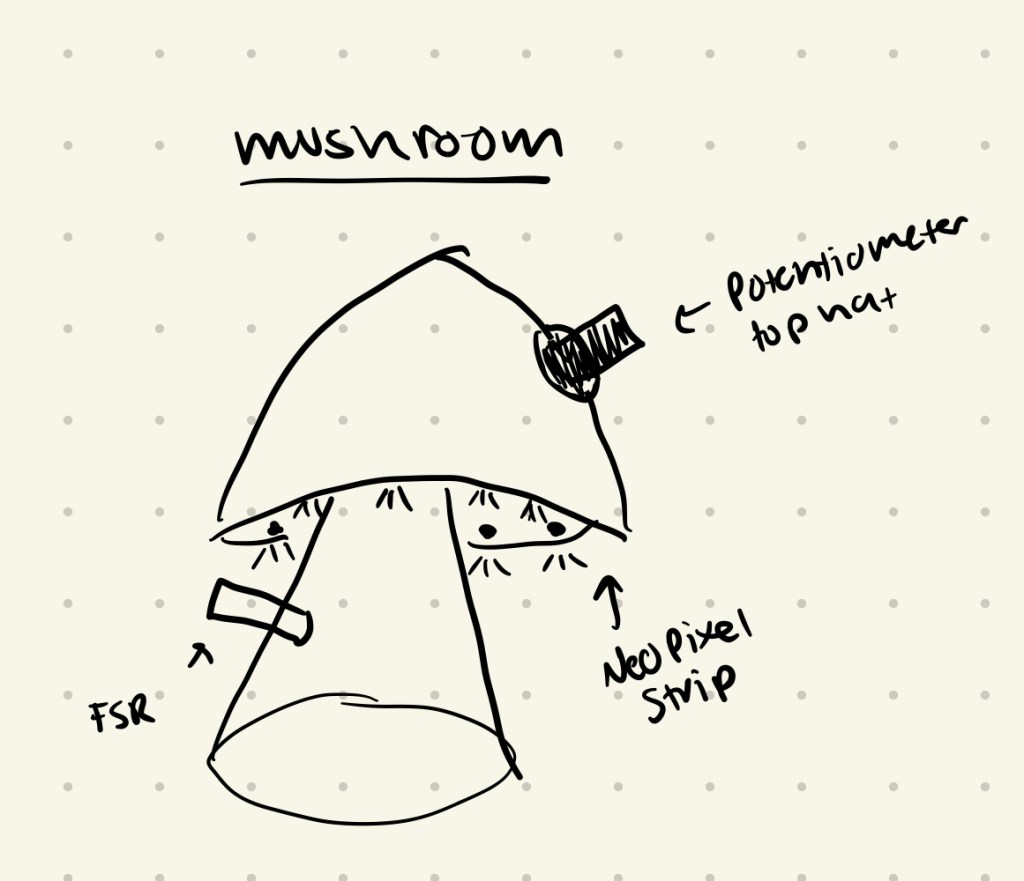
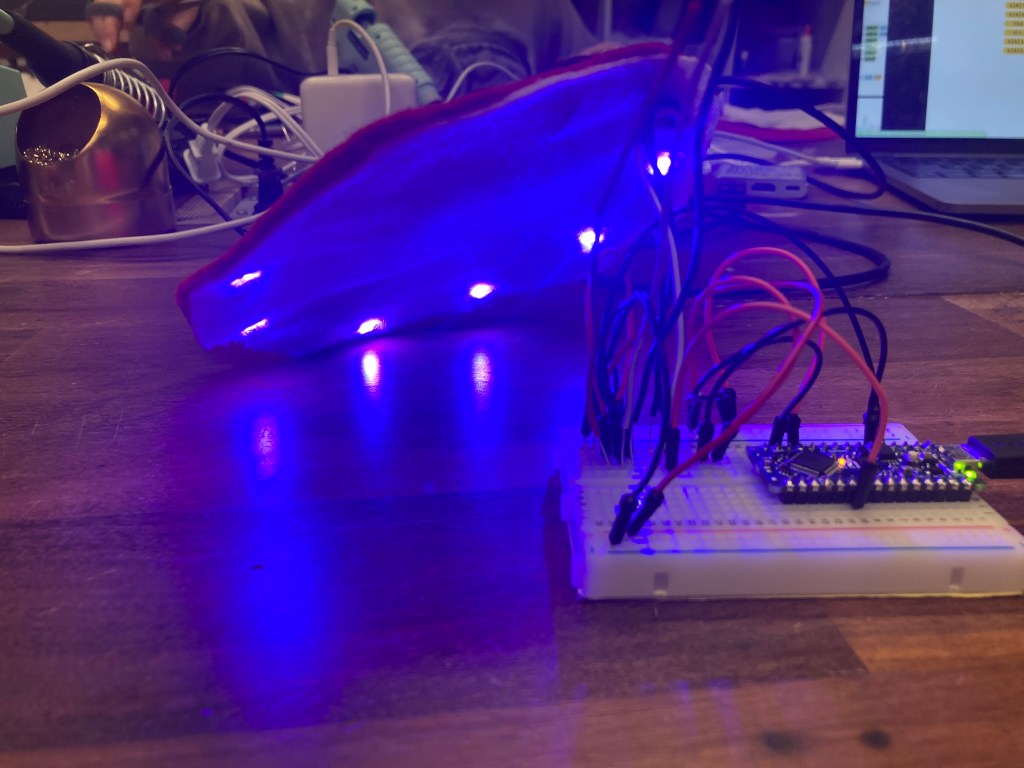
I started by getting the code working for the electronics. I followed a youtube tutorial to get the lights to turn off and on one by one using the map function to turn them on gradually. After getting that code done I set up a force sensor that changes the color of the lights when they were all turned on, depending on which way you bend the sensor. After getting that to work, I transferred my wiring to a smaller breadboard so my final box could be smaller, then started assembling the box.
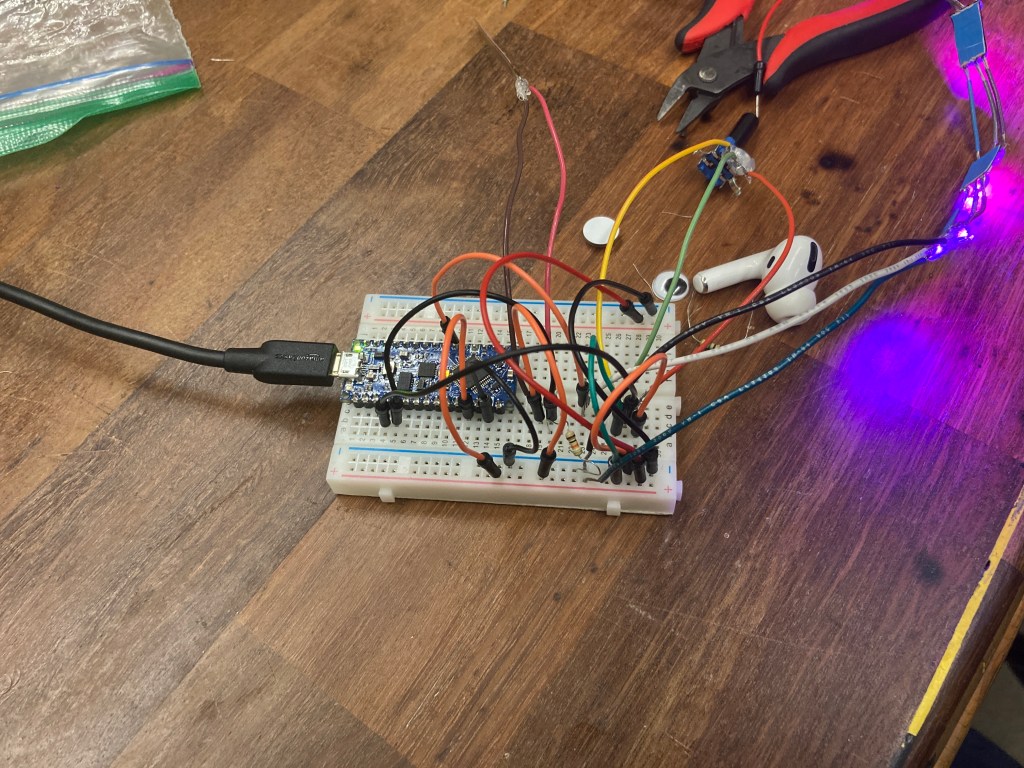
I did have some trouble building the mushroom at first, as I realized I only had purple felt. I separated the neopixel strips and connected them all together with wire and solder so they were further apart so I could stick them on the underside of the mushroom. I made the base of the mushroom and got the LED’s on and working, but as I was trying to make the top I noticed my lights weren’t responding to my potentiometer as well and sometimes not all the neopixels would turn on, and I realized that I accidentally snapped the ground wire connection to the first pixel which was messing up everything. I re-soldered it, and then decided to change the colors of the mushroom to look more like a mushroom.
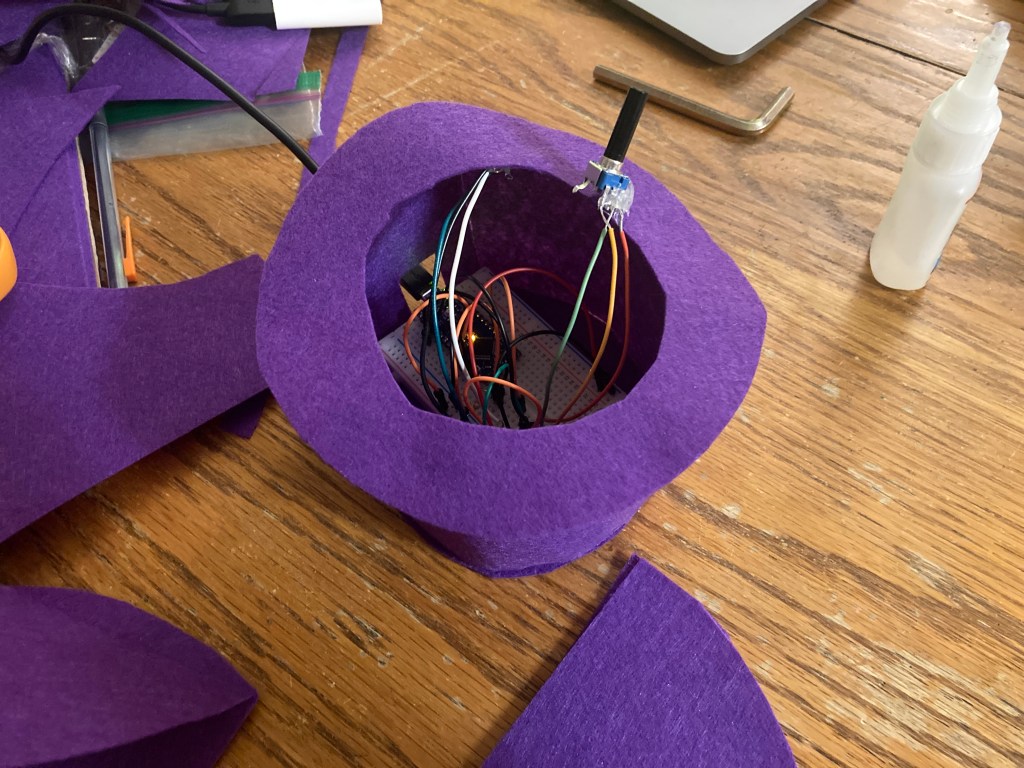
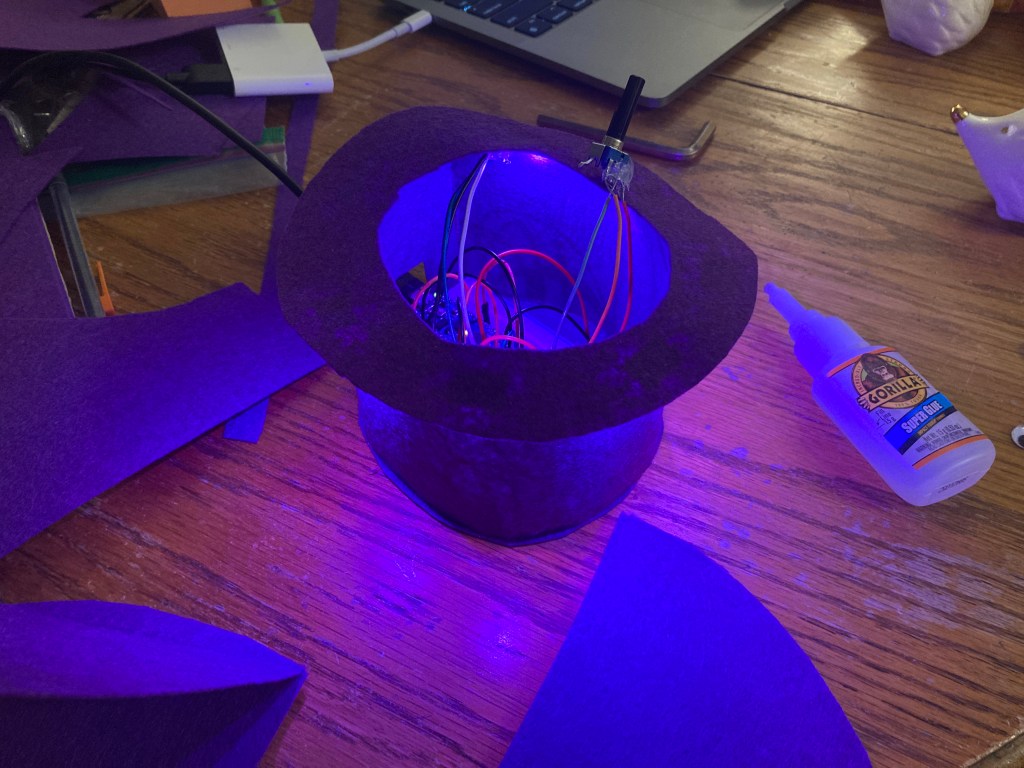
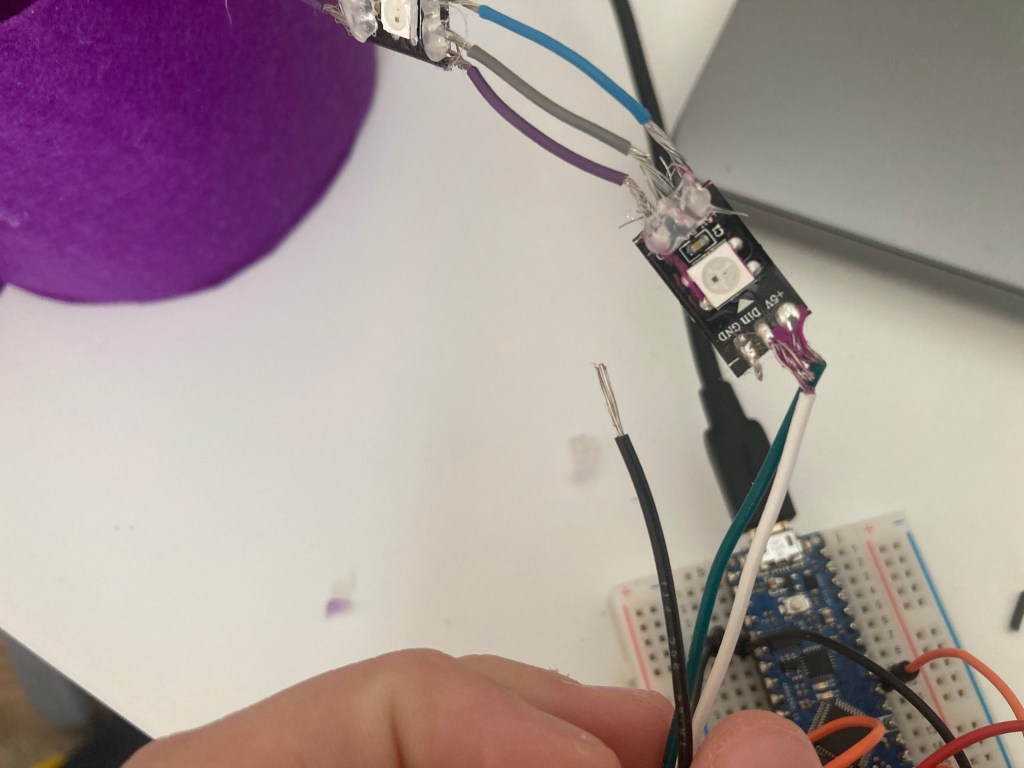
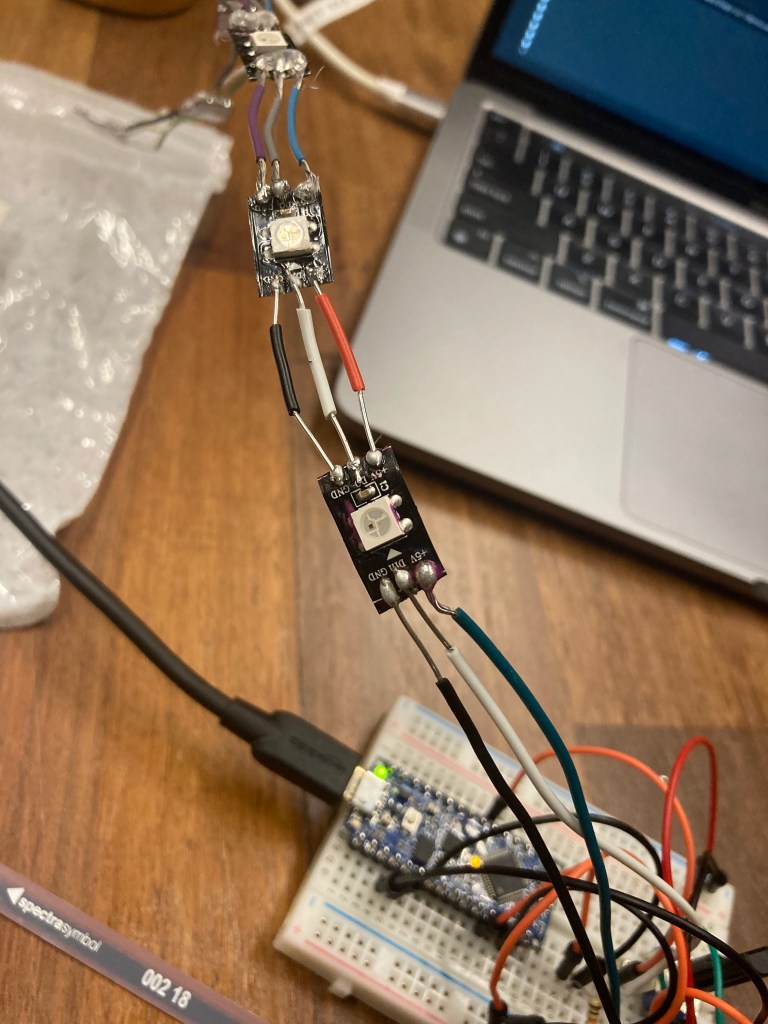
Making the new sensor, I learned a little on how to work with felt from trying (and failing a little bit) with the first model. I also didn’t snap any wires this time, yay!

// include the neopixel library
#include <Adafruit_NeoPixel.h>

int ledPin = 3; // the pin the LED data line is connected to
int numLED = 6; // number of LEDs you are controlling

// call the constructor
Adafruit_NeoPixel leds(numLED, ledPin, NEO_GRB + NEO_KHZ800);

int sensorPinPot = A0; // pin the pot is attached to
int sensorPinFlex = A1; // pin the flex is attatched to
int analogValPot; // variable to hold analog pot value
int analogValFlex; // variable to hold analog flex value
unsigned long off; // variable for turning the LEDs off

void setup() {
  // start communication with the LEDs
  leds.begin();
  // it's necessary to call show() to write the values to the lights
  // in this case, right after begin(), it just insures that they are all off
  leds.show();
  // set the color for 'off'
  off = leds.Color(0, 0, 0);
   Serial.begin(9600);
}

void loop() {
  // 1024 values mapped to 5 LEDs means that we could assign
  // 204 values to each pixel to correspond to each value from the sensor

  // read the value on the analog input pin
  analogValPot = analogRead(sensorPinPot);
  analogValFlex = analogRead(sensorPinFlex);
  analogValFlex = map(analogValFlex, 100, 300, 0, 255);

  int mappedVal; // local var to map the brightness
  int mapVal;

  leds.fill(off); // blank the LEDs, but don't write it

  Serial.println(analogValFlex);

  if (analogValPot < 205) { // if the value is in this range
    mappedVal = map(analogValPot, 0, 204, 0, 255); // map the value to 0-255
    leds.setPixelColor(0, mappedVal, 0, mappedVal); // write the pixel color
  } else if (analogValPot >= 205 && analogValPot <= 409) { // repeat for each pixel
    leds.setPixelColor(0, 255, 0, 255); // set all previous pixels as on
    mappedVal = map(analogValPot, 205, 409, 0, 255);
    leds.setPixelColor(1, mappedVal, 0, mappedVal);
  } else if (analogValPot >= 410 && analogValPot <= 614) {
    leds.setPixelColor(0, 255, 0, 255);
    leds.setPixelColor(1, 255, 0, 255);
    mappedVal = map(analogValPot, 410, 614, 0, 255);
    leds.setPixelColor(2, mappedVal, 0, mappedVal);
  } else if (analogValPot >= 615 && analogValPot <= 819) {
    leds.setPixelColor(0, 255, 0, 255);
    leds.setPixelColor(1, 255, 0, 255);
    leds.setPixelColor(2, 255, 0, 255);
    mappedVal = map(analogValPot, 615, 819, 0, 255);
    leds.setPixelColor(3, mappedVal, 0, mappedVal);
  } else if (analogValPot >= 820) {
    leds.setPixelColor(0, 255, 0, 255);
    leds.setPixelColor(1, 255, 0, 255);
    leds.setPixelColor(2, 255, 0, 255);
    leds.setPixelColor(3, 255, 0, 255);
    leds.setPixelColor(4, 255, 0, 255);
    mappedVal = map(analogValPot, 820, 1023, 0, 255);
    leds.setPixelColor(5, mappedVal, 0, mappedVal);
  }
  leds.show(); // show the color
  delay(2);

  if(analogValPot >= 820 && analogValFlex > 200) {
    mapVal = map(analogValFlex, 200, 255, 0, 255);
    leds.setPixelColor(0, 0, mapVal, mapVal);
    leds.setPixelColor(1, 0, mapVal, mapVal);
    leds.setPixelColor(2, 0, mapVal, mapVal);
    leds.setPixelColor(3, 0, mapVal, mapVal);
    leds.setPixelColor(4, 0, mapVal, mapVal);
    leds.setPixelColor(5, 0, mapVal, mapVal);
  }
  else if(analogValPot >= 820 && analogValFlex < 120) {
    mapVal = map(analogValFlex, 200, 255, 0, 255);
    leds.setPixelColor(0, mapVal, mapVal, 0);
    leds.setPixelColor(1, mapVal, mapVal, 0);
    leds.setPixelColor(2, mapVal, mapVal, 0);
    leds.setPixelColor(3, mapVal, mapVal, 0);
    leds.setPixelColor(4, mapVal, mapVal, 0);
    leds.setPixelColor(5, mapVal, mapVal, 0);
  }
  leds.show();
  delay(2);
} Emmy Kovalic
Leave a comment