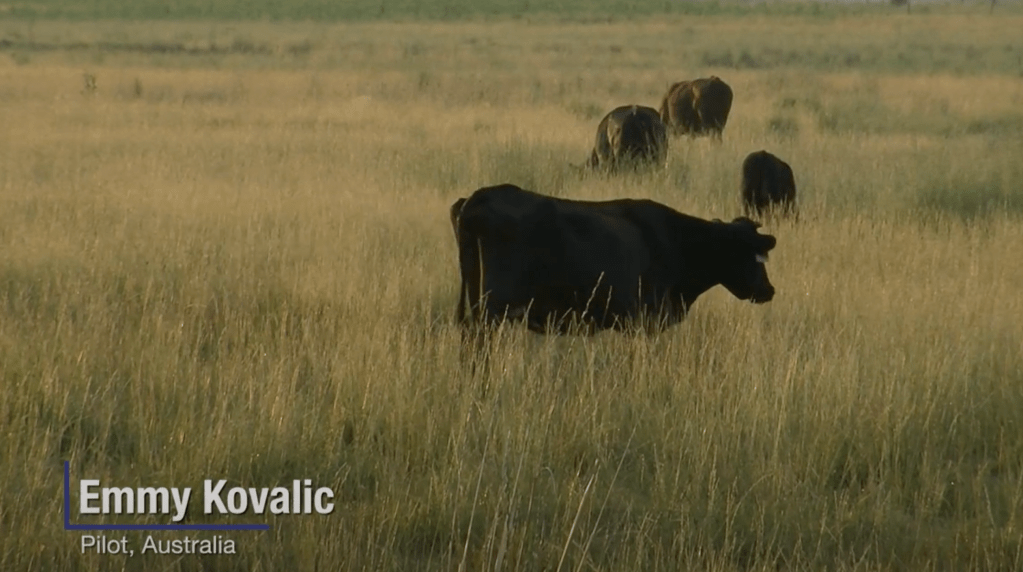
In this assignment we were tasked with editing two text animations to introduce characters with a text animation in the lower third of the screen. We worked on two different ones, one with a line separating the main text and the subtext, and one with more block shapes. We used masking and position keyframes for both.
Lower Third Animation 1
I thought it was interesting to take our first assignment further and really start to make more complicated looking text using keyframes, I thought it was really cool how you could follow the line to have it reveal itself, and then adding the mask to make it look like it was sliding in was and interesting way to reveal it. I think I could have made it a little slower overall, and maybe change the line so it traces it from right to left to follow the movement of its position and mask. It was cool to see more the capability of masks, though.
Lower Third Animation 2
I think I liked doing this one more because I liked how the text on the top square was transparent to whatever the background clip was. I think I would like to change the background image to be a clip of an actual car going past because I was recently in Austin to watch f1 and have some cool clips. I think after doing the first one this animation was really easy to do. I am starting to understand masks and position keyframes now.
I have a vlog I’m working on where I want to introduce me and my friends before the content starts, so I might try implementing these effects into it and see how it looks.
 Emmy Kovalic
Leave a comment