
Software: After Effects, Photoshop, Procreate
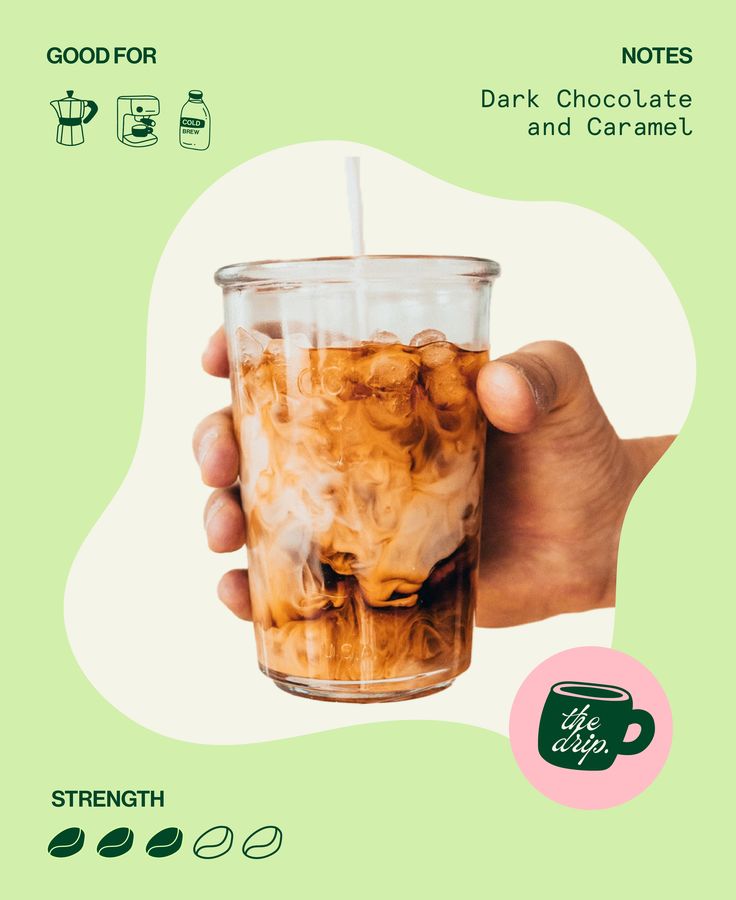
I wanted to challenge myself to make a set of marketing videos based on a still image.
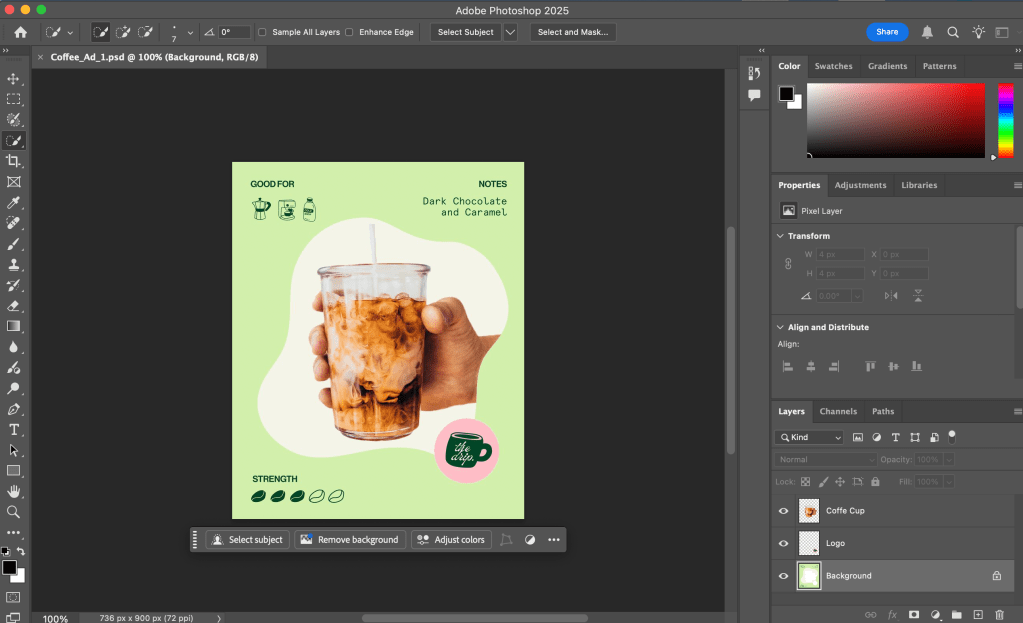
I started by searching for mood and inspiration on Pinterest, and found this image. I liked the color scheme and the different ways they were advertising the product, and thought there was enough material to turn it into a motion graphics ad. I then went into Photoshop to separate some of the layers so i could use them dynamically in After Effects.
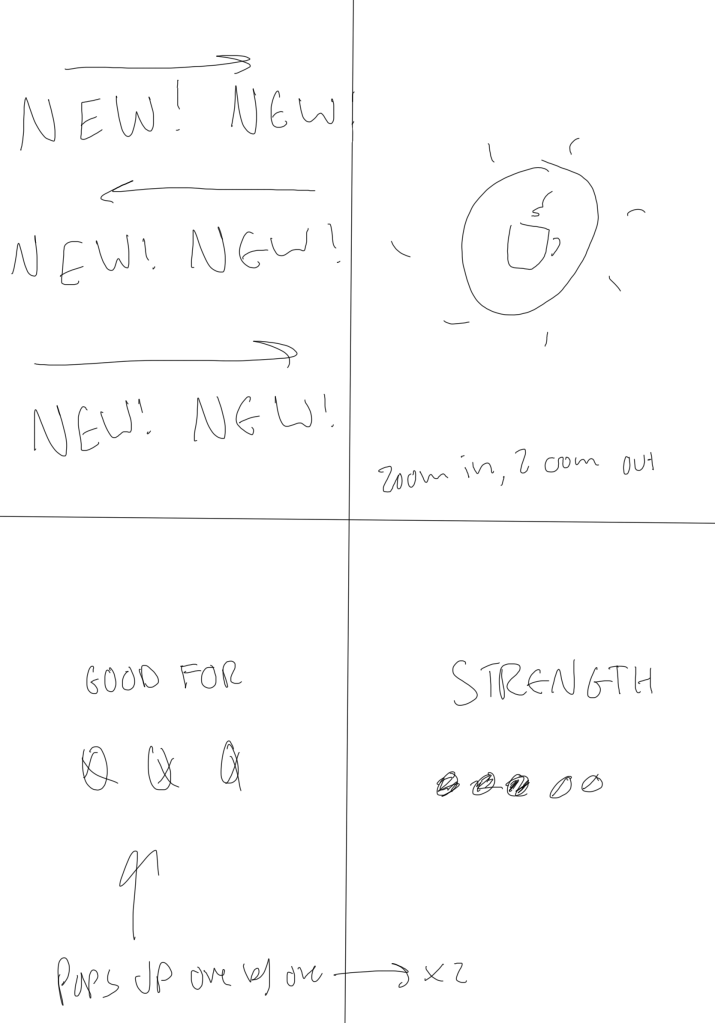
From there, since I already knew what colors I wanted to use, I went into Procreate and created a storyboard to start thinking about the flow and tone I wanted for this Ad. I created them with Instagram Reels in mind, but it could work for anything really.

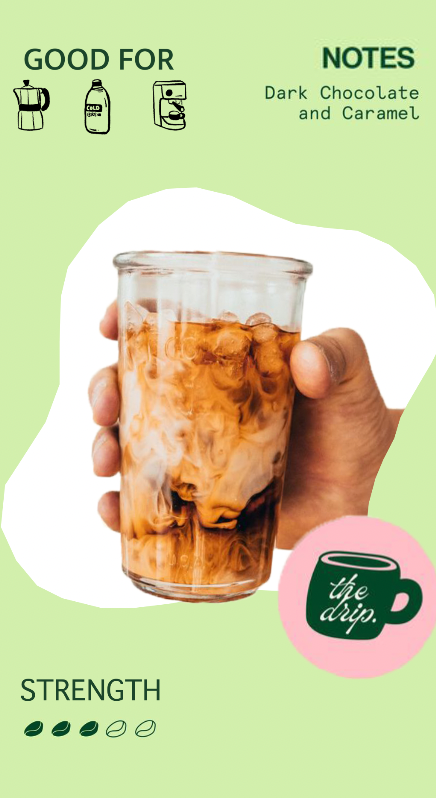
In After Effects, I put everything into a composition, and then started editing based on the storyboard I put together. I came up with some of the motion graphics ands transitions as I went along, and for a quick project I am pretty happy with how it turned out.

Stills from the Ad


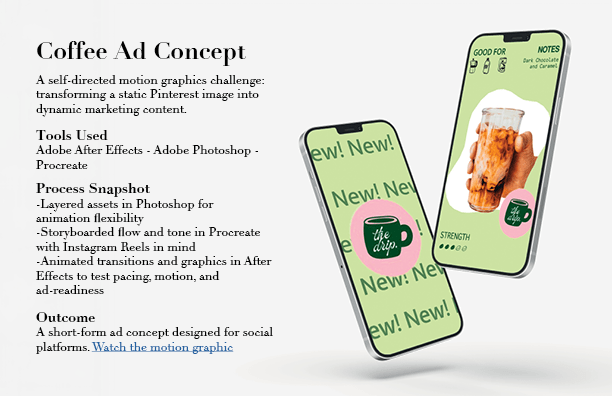
I made a mockup of the product using free IPhone assets I found on AdobeStock, and added my own screen to them in Photoshop using a simple mask.
From there I created a client product mockup for a mock presentation, so that it was easy to see what I did.
Presentation slide made in InDesign
Full Video
 Emmy Kovalic
Leave a comment